
Even or Odd Python Program | if-else statement
Learn how to use the modulo operator and an
if...else statement to determine
whether a number is even or odd.
By the end of this lesson, you will be able to check whether a number entered by the user is even or odd.
What are even and odd numbers?
An even number can be divided by 2 without a remainder. Examples include 2, 4, 6, 8 and 10.
An odd number leaves a remainder when divided by 2. Examples include 1, 3, 5, 7 and 9.
Use the modulo operator
Python uses % to find the remainder
after division.
10 % 2 == 010 divided by 2 leaves a remainder of 0, so 10 is an even number.
Even or odd number program
First, take a number from the user. Then use
% 2 to check its remainder.
num = int(input("Enter a number: "))
if num % 2 == 0:
    print("Even number")
else:
    print("Odd number")
How does the program work?
input() asks the user to
enter a number.
int() converts the entered
value into an integer.
num % 2 == 0 checks whether
the number leaves a remainder of zero
when divided by 2.
If the condition is true, Python prints Even number. Otherwise, it prints Odd number.
Try the program with 25

To check whether a number is even, use
number % 2 == 0. If the result is
true, the number is even; otherwise, it is odd.
Even or Odd Python Program | if-else statement
Even-odd numbers, Python tutorial | If Else statement Python | Even or Odd Number Program | Learn Python | modulo operator tutorial
Related
Maths table | math table calculator | learning times tables
Maths table | math table calculator | learning tim...
2024-12-19
Fuel Cost Calculator India | Trip fuel cost calculator india
Fuel Cost Calculator India | petrol cost calculator india | fuel calculator india | fuel mileage calculator india | Trip fuel cost calculator india.
2026-03-28
Calculate Simple Interest | simple interest formula | simple
Calculate Simple Interest | Simple Interest Formula | finding Simple Interest in years | simple interest calculator
2026-04-14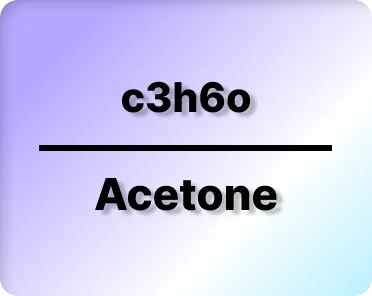
Acetone compound, C3H6O stands for? | Chemical formula C3H6O
C3H6O is the chemical formula for Acetone | Chemical formula C3H6O | Acetone Formula C3H6O | acetone formula, propanone, acetone compound
2024-12-20
Chemical formula H2SO4 | Sulphuric Acid compound.
H2SO4 chemical compound | sulphuric acid formula | chemical formula H2SO4 | sulfuric acid compound, mineral acid, H2SO4 structure.
2022-12-15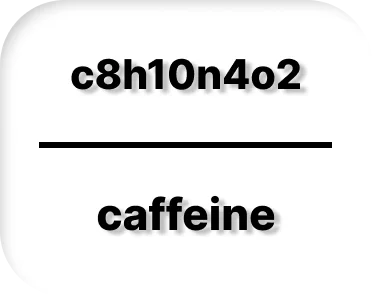
Caffeine Formula C8H10N4O2 | Caffeine Chemical Compound.
C8H10N4O2 | caffeine formula | chemical formula C8H10N4O2 | caffeine compound | methylxanthine | coffee stimulant | caffeine structure
2022-12-18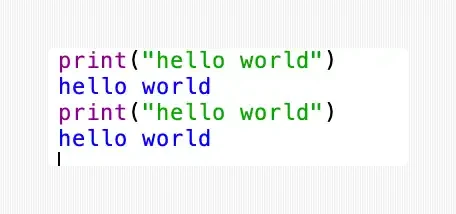
Basic Python programming | Print Hello Word in Python?
PYTHON TUTORIAL FOR BEGINNERS | How to Print Hello Word ? | How to take user input in Python, easy learning, with code explaination.
2023-08-23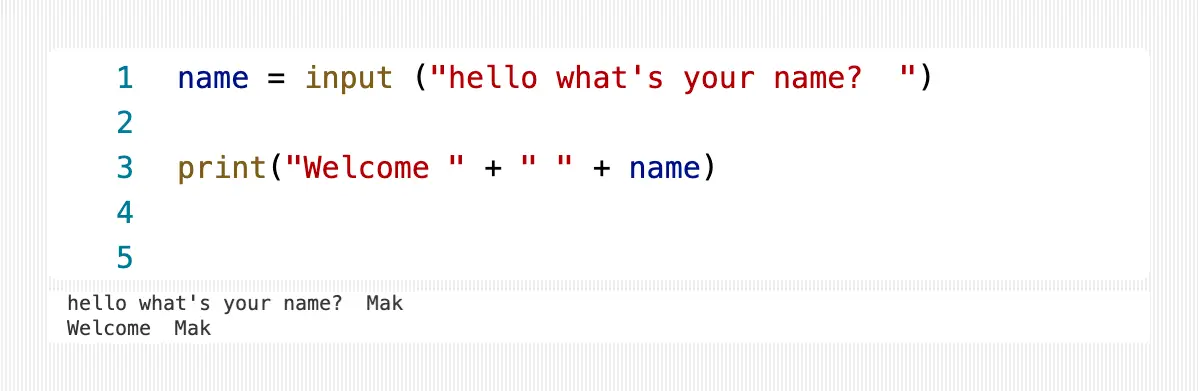
Variables and Data Types (commonly used) in Python.
Python for beginners: Variables and their Data Types. | what is a Variable in Python? | Commonly used Datatypes
2023-08-23About this Python course
This Python course introduces beginners to programming through simple lessons, examples and step-by-step explanations.
The lessons gradually introduce Python concepts such as printing output, variables, data types, input, conditions, loops and other programming fundamentals.